UPDATE: Now updated for iOS and iPadOS 26 🔥
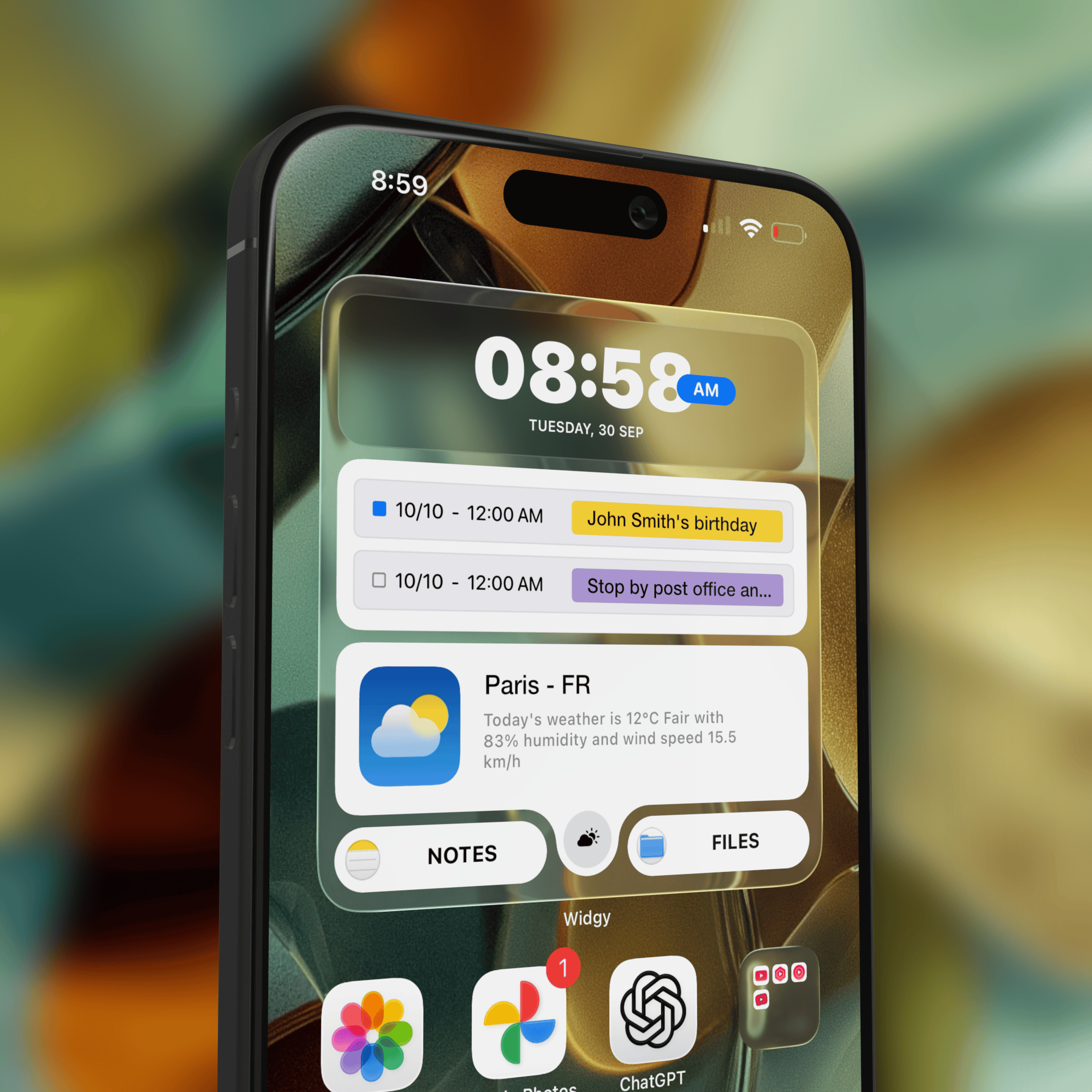
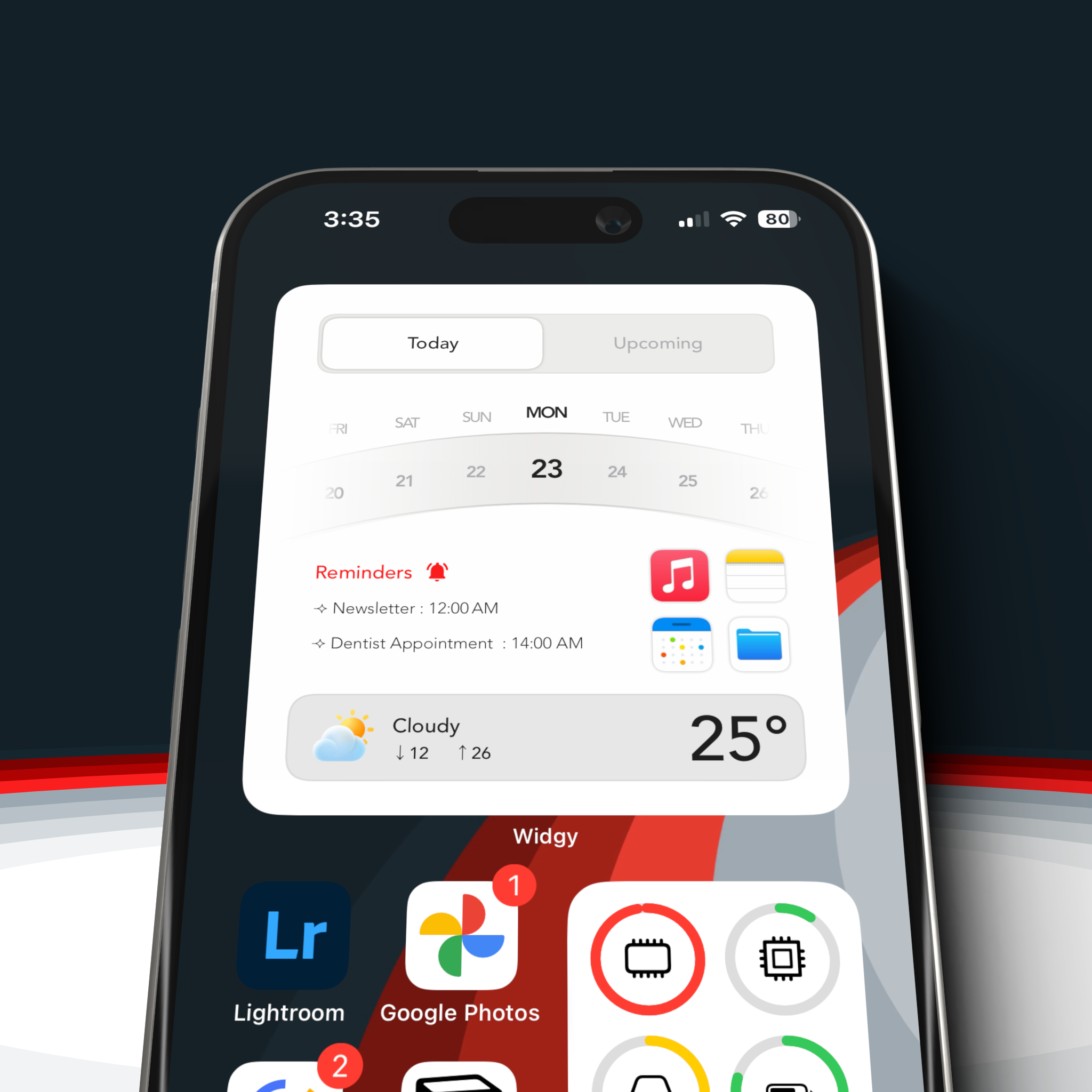
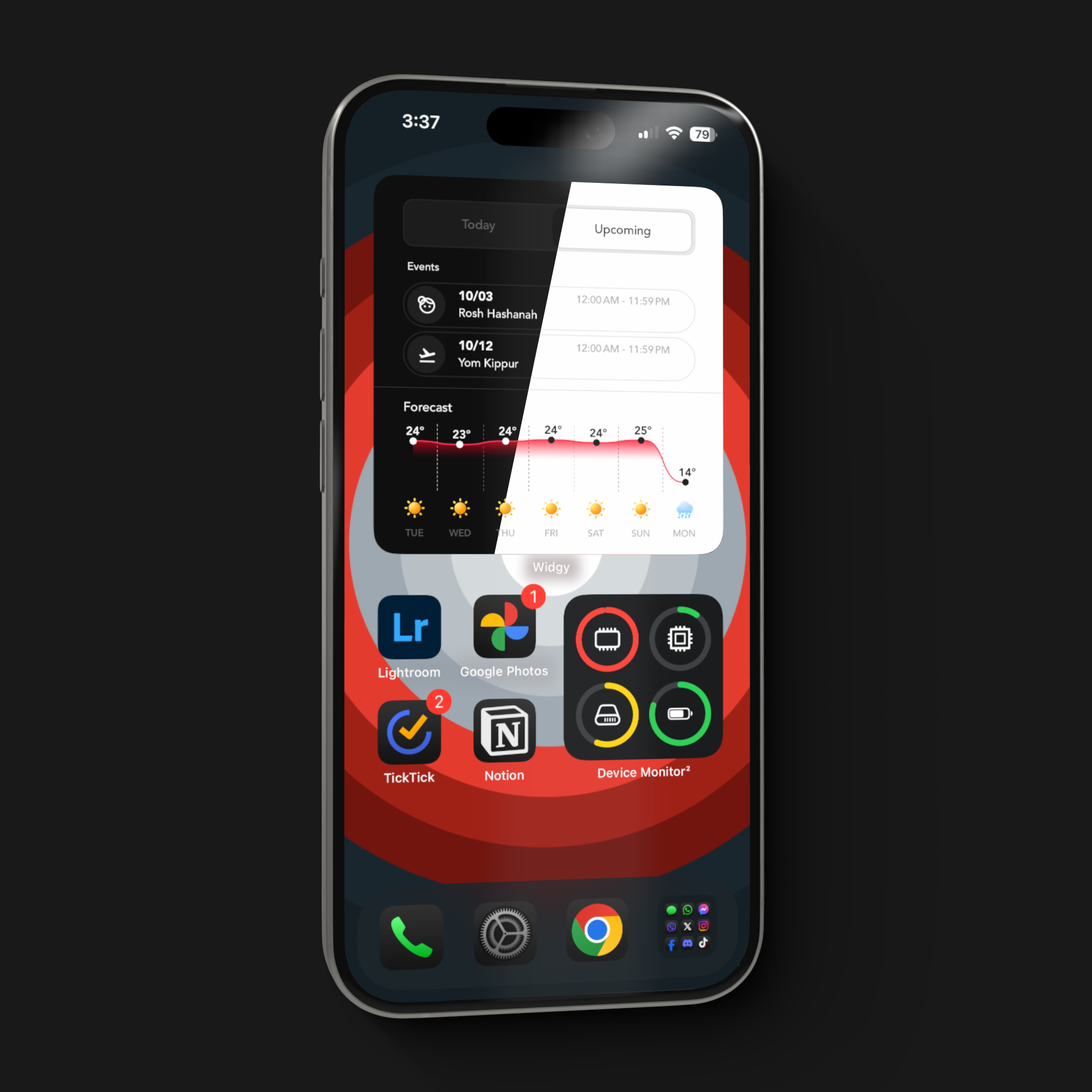
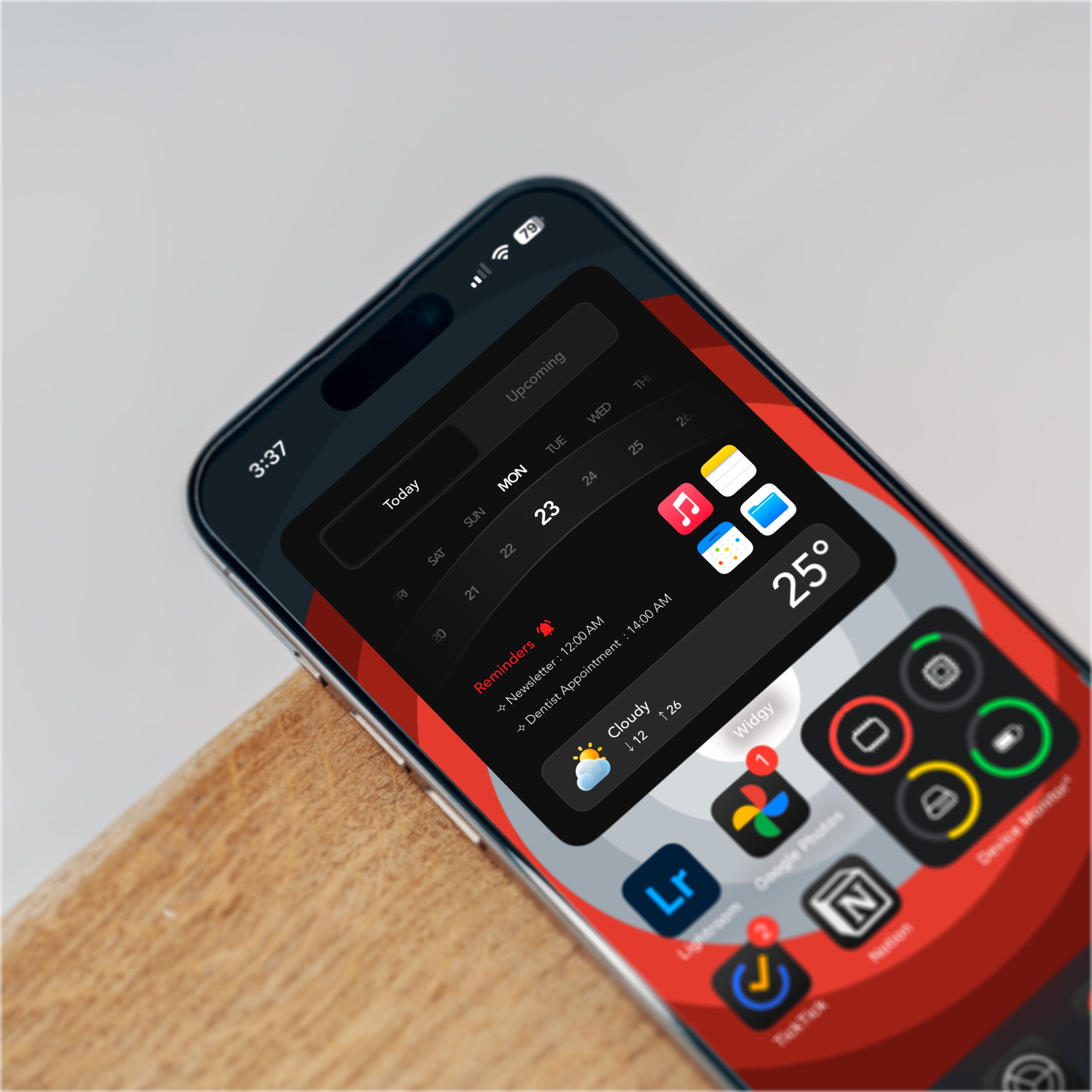
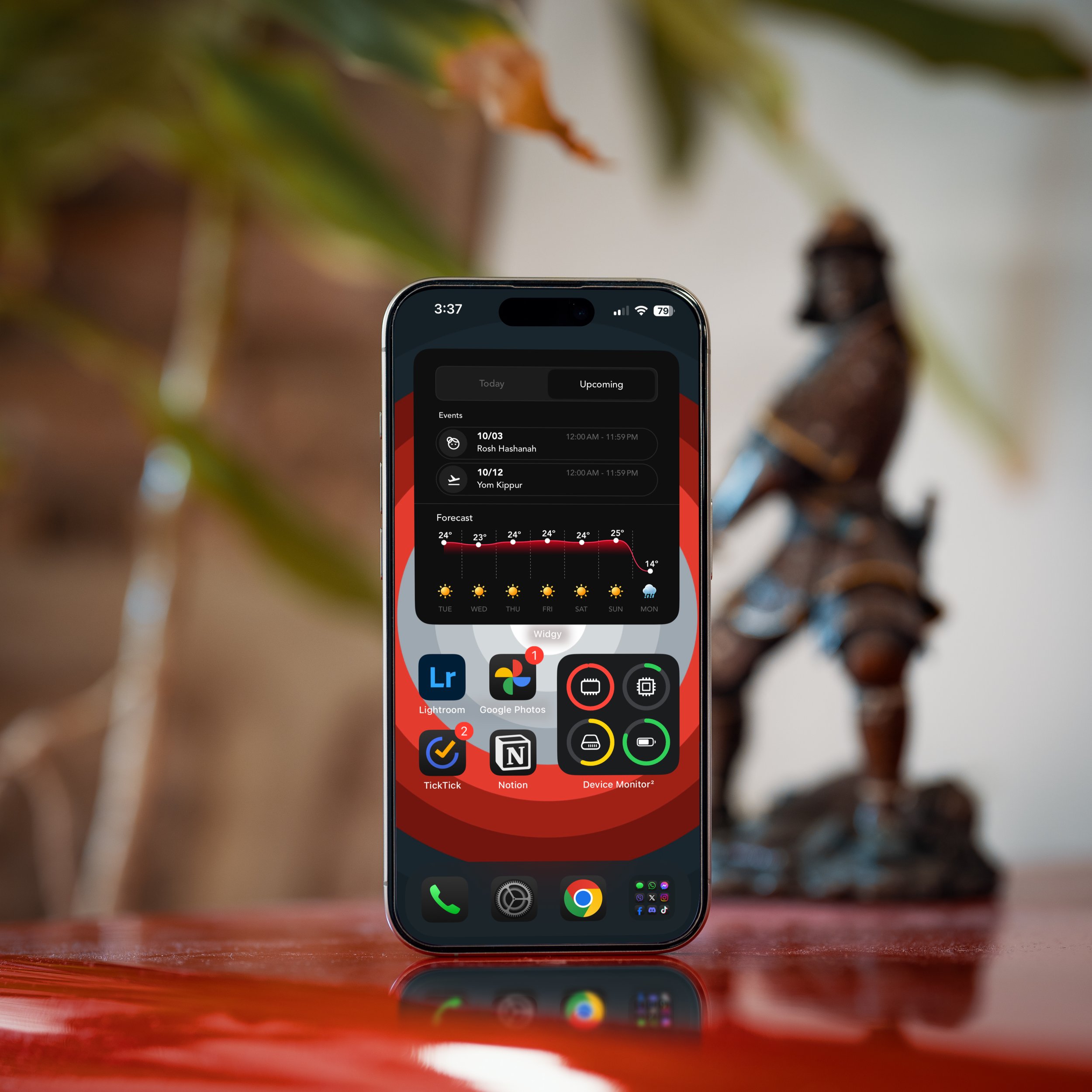
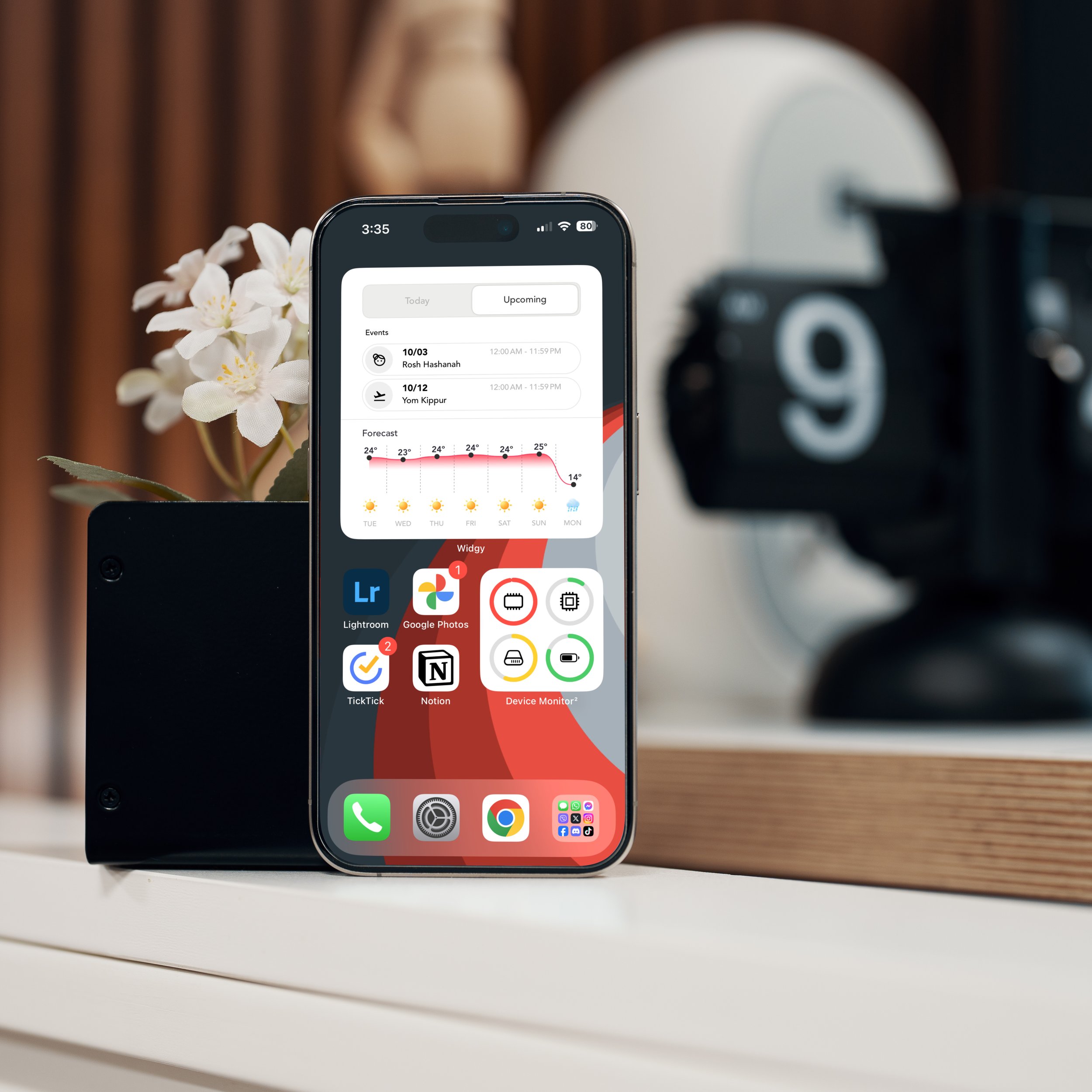
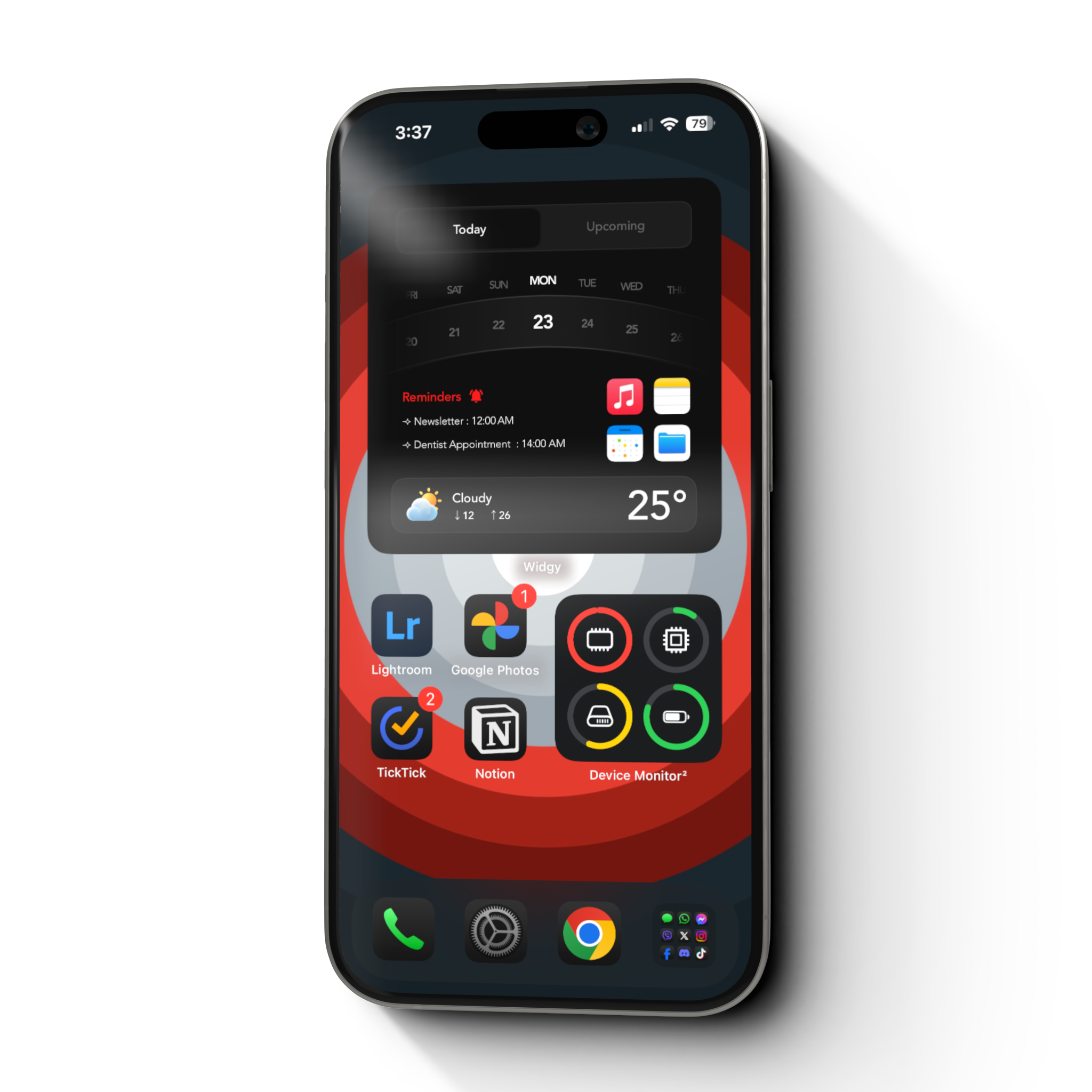
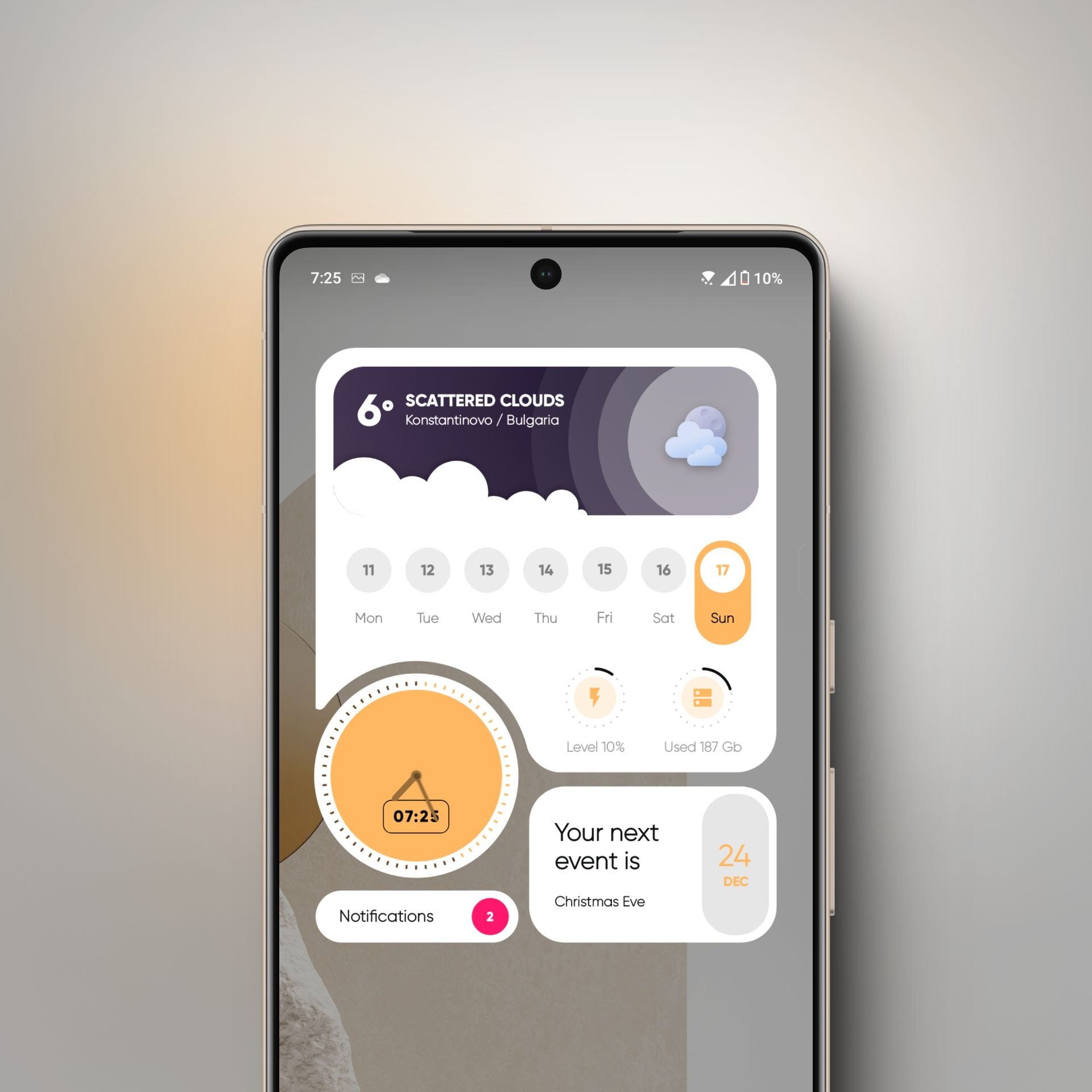
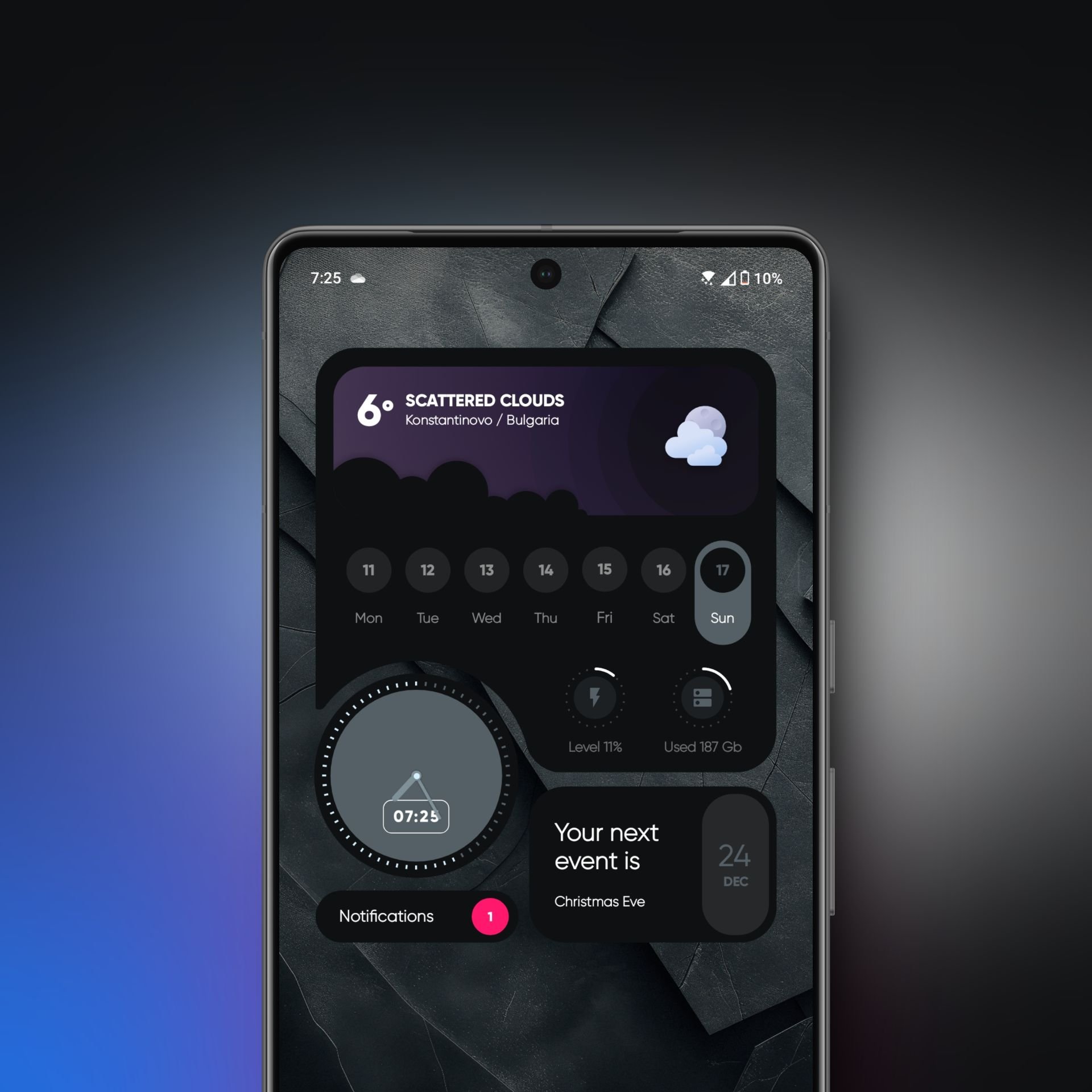
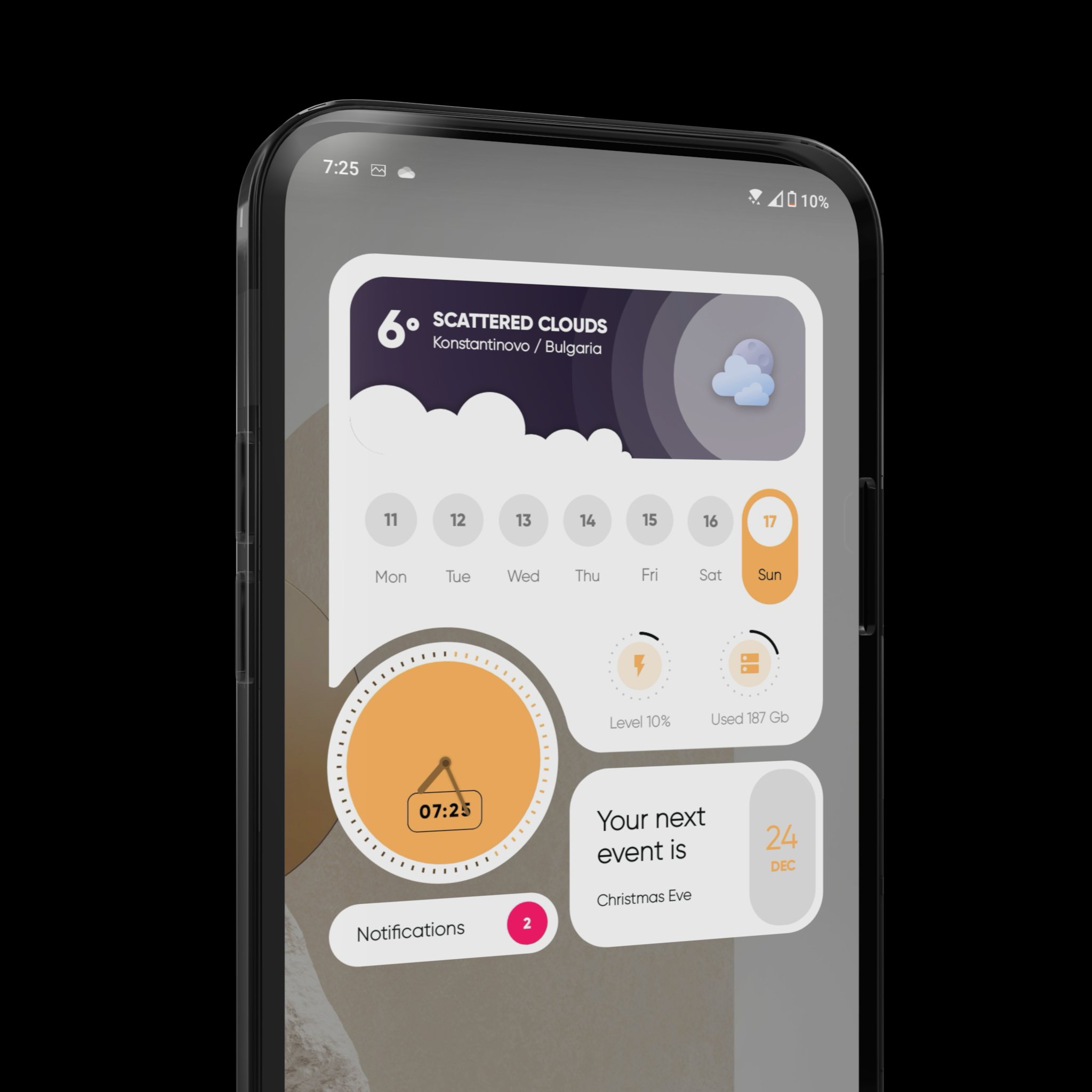
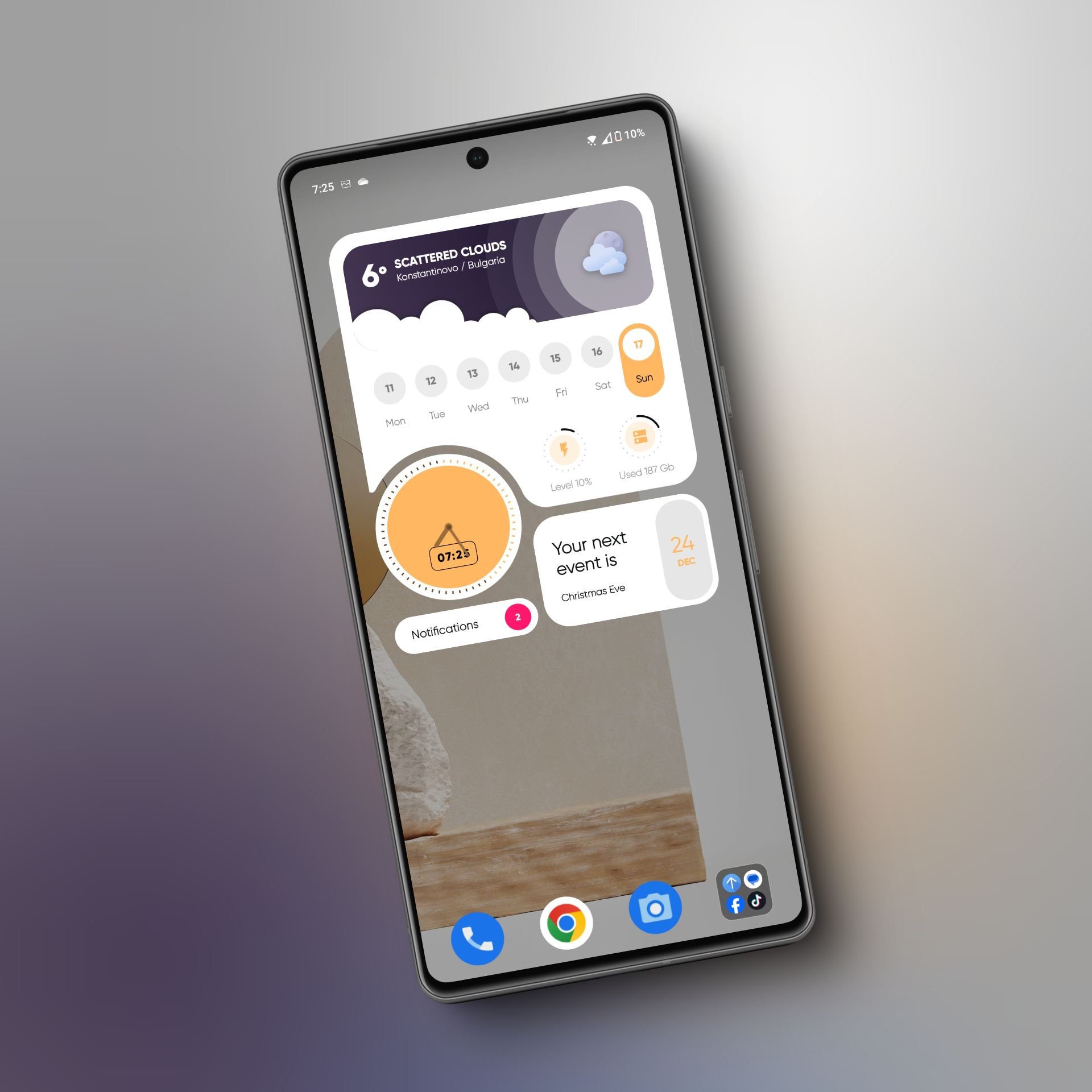
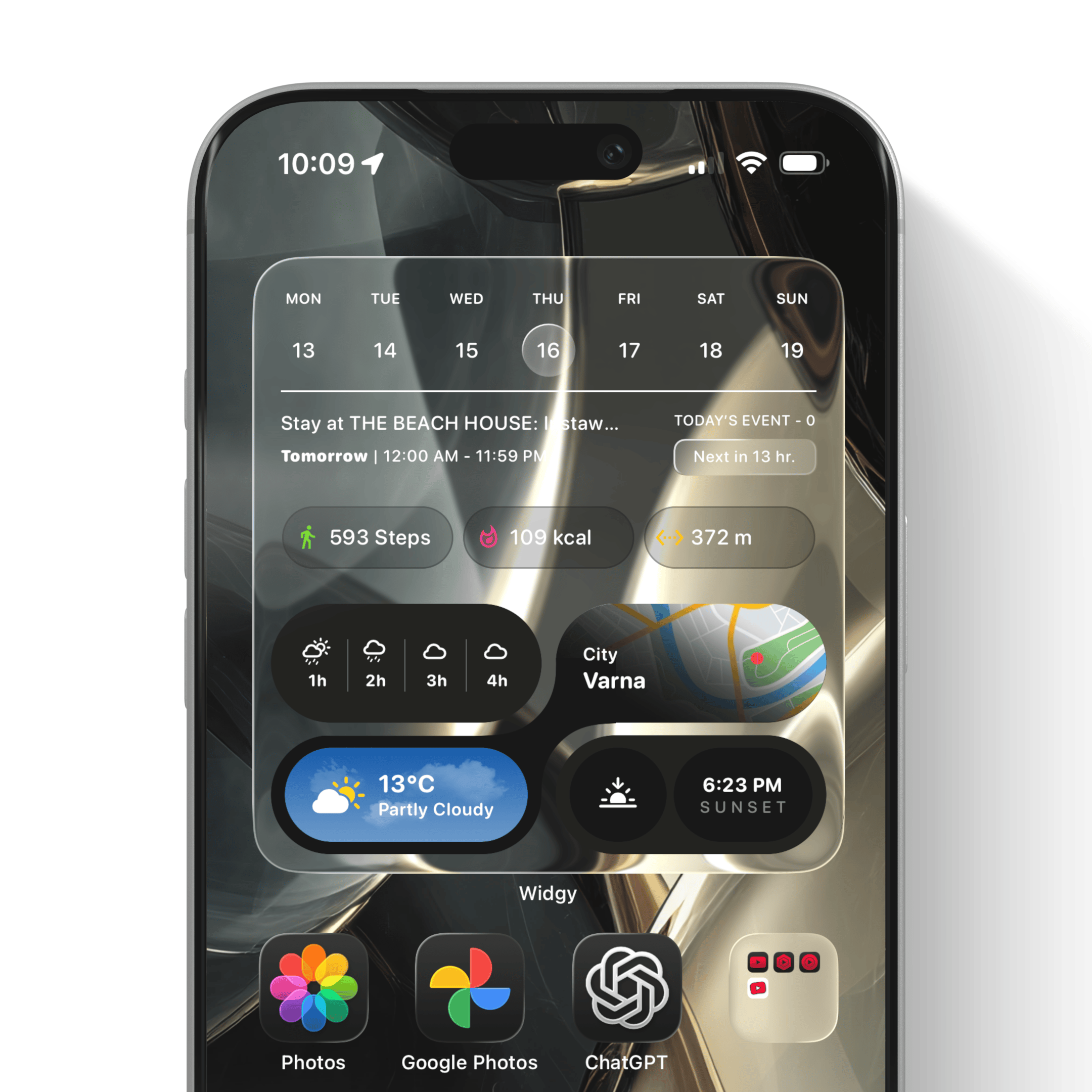
I am pleased to announce my best collaboration with my friend Eduardo so far - SmartWave! This is not just a Widgy widget - it’s an interactive masterpiece that sums up the best of every widget we’ve released so far. This is an interactive widget that has a menu that opens different information sections:
Home section 1 - Reminders, activity tracker, current temperature, weekly calendar
Home section 2 - iPhone System info - brightness and volume information, toggled system features
Weather section - Current temperature, Sunset, Humidity, and hourly forecast. Toggle for switching to daus view, which provides the weather info for the next four days
Events section - Current & upcoming events.
The main menu also features quick action buttons:
To use the widget, you need to download the app Widgy Widget.
Both Eduardo and I appreciate the support!
NOTE: Some Widgy Widget slots may require an additional purchase within the Widgy app. This paywall is managed by Widgy. Please check slot availability in the app before purchasing our widgets.
UPDATE: Now updated for iOS and iPadOS 26 🔥
I am pleased to announce my best collaboration with my friend Eduardo so far - SmartWave! This is not just a Widgy widget - it’s an interactive masterpiece that sums up the best of every widget we’ve released so far. This is an interactive widget that has a menu that opens different information sections:
Home section 1 - Reminders, activity tracker, current temperature, weekly calendar
Home section 2 - iPhone System info - brightness and volume information, toggled system features
Weather section - Current temperature, Sunset, Humidity, and hourly forecast. Toggle for switching to daus view, which provides the weather info for the next four days
Events section - Current & upcoming events.
The main menu also features quick action buttons:
To use the widget, you need to download the app Widgy Widget.
Both Eduardo and I appreciate the support!
NOTE: Some Widgy Widget slots may require an additional purchase within the Widgy app. This paywall is managed by Widgy. Please check slot availability in the app before purchasing our widgets.

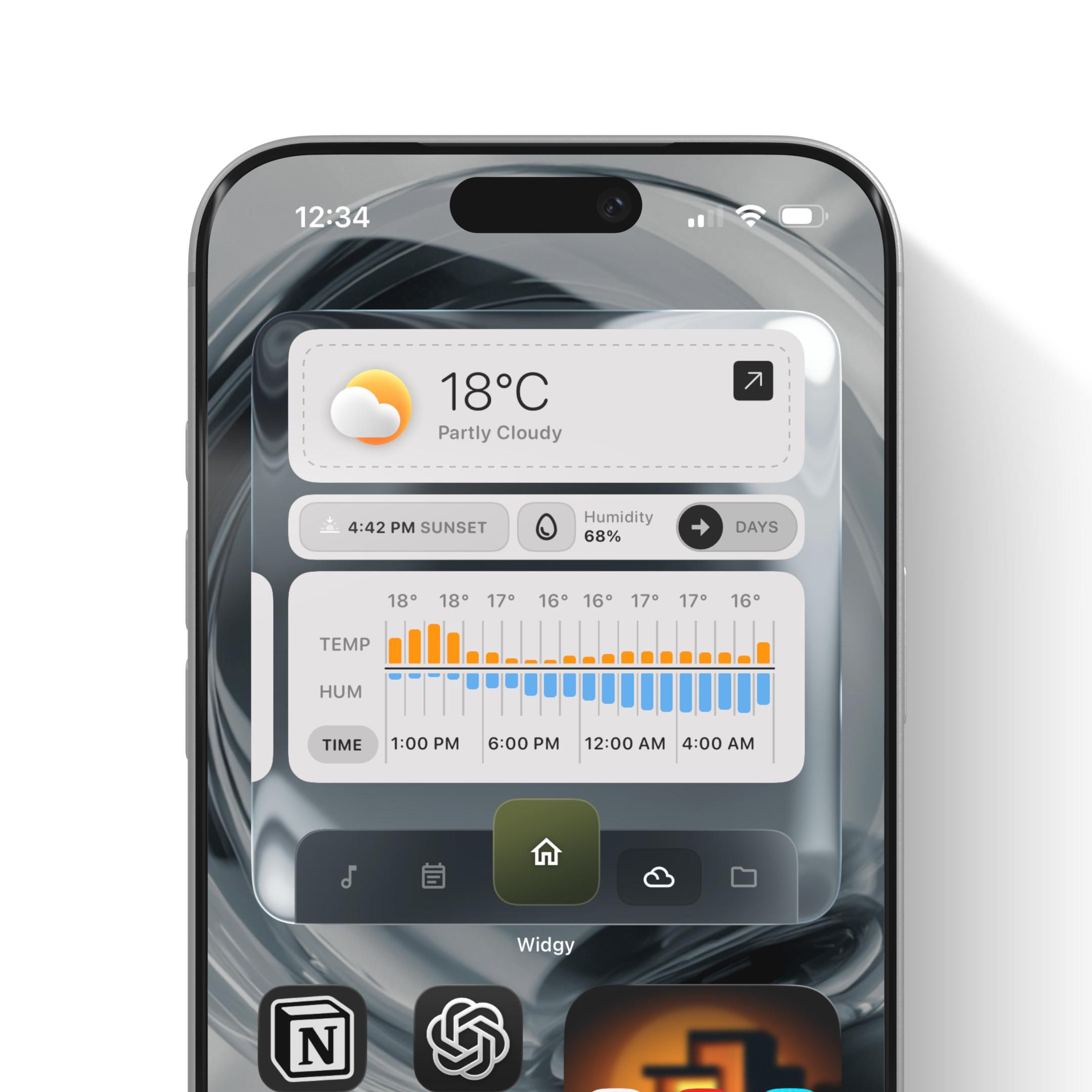 Image 1 of 11
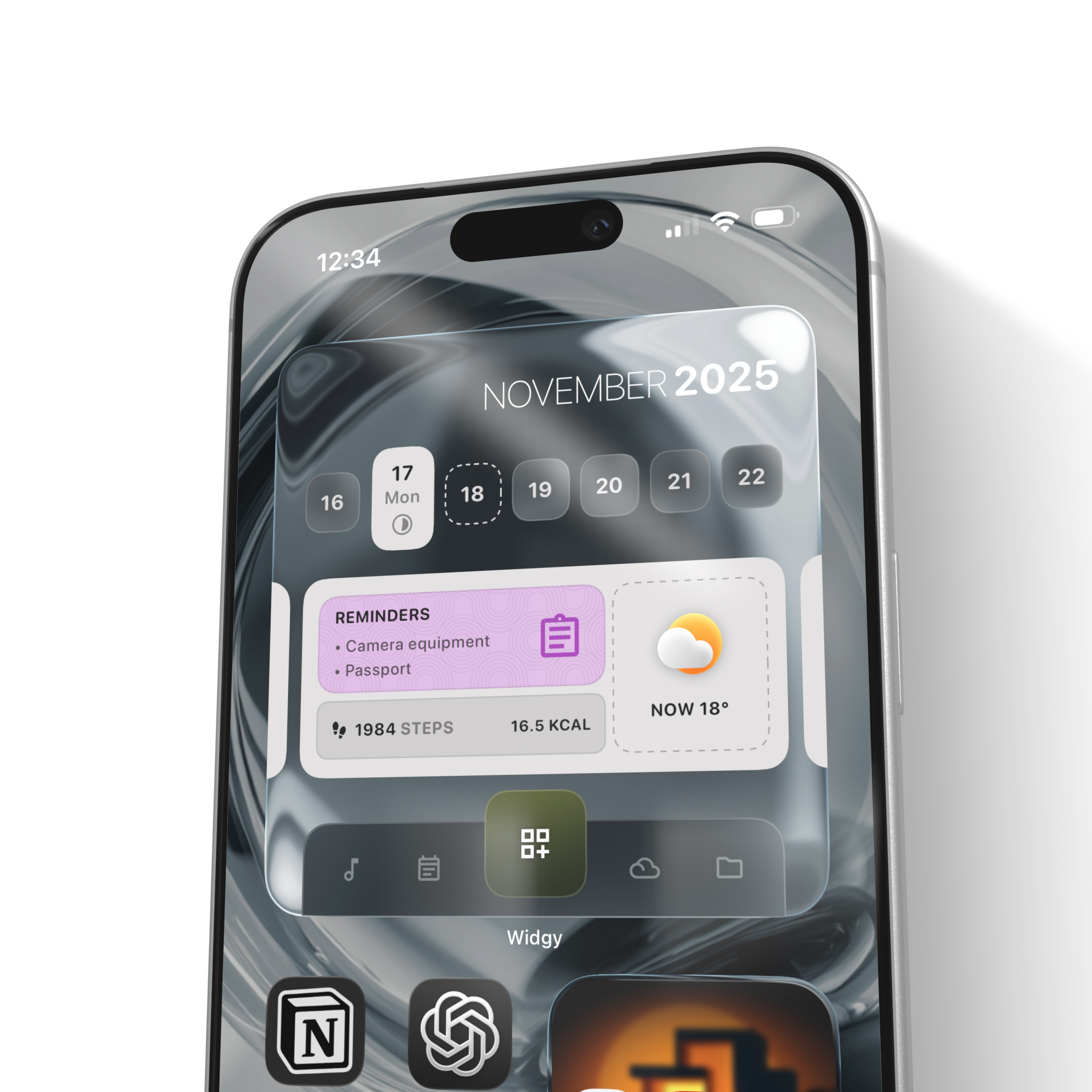 Image 2 of 11
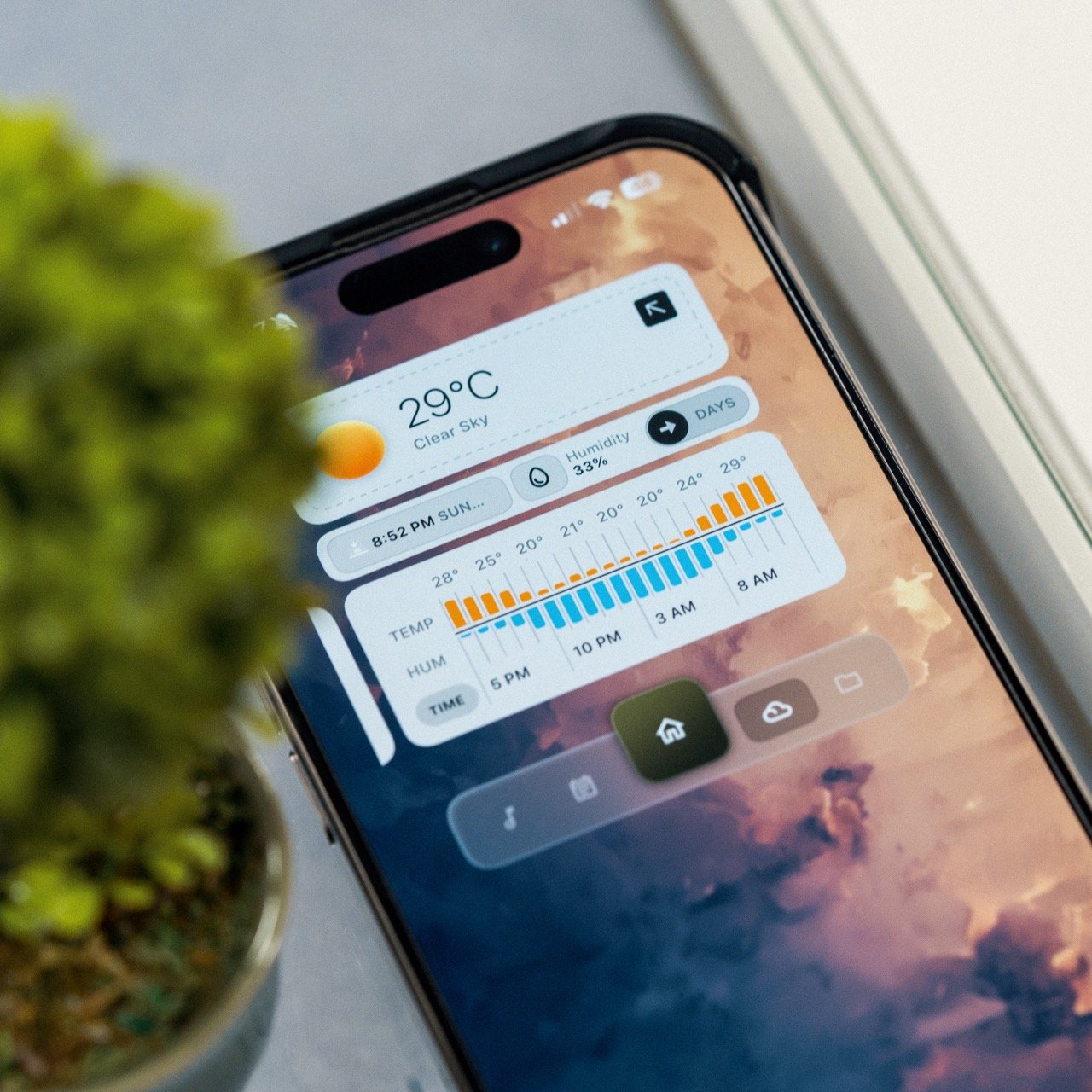 Image 3 of 11
 Image 4 of 11
 Image 5 of 11
 Image 6 of 11
 Image 7 of 11
 Image 8 of 11
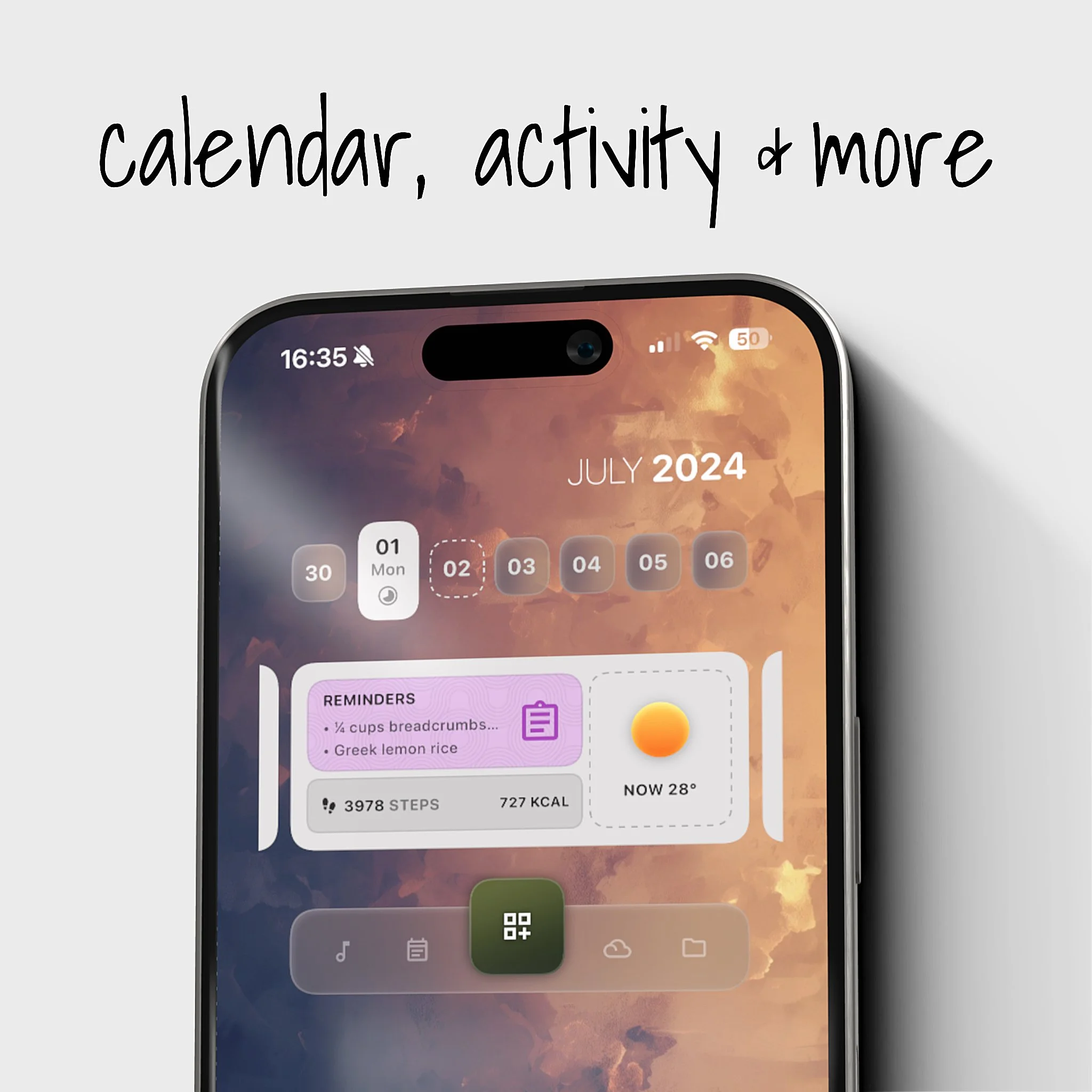 Image 9 of 11
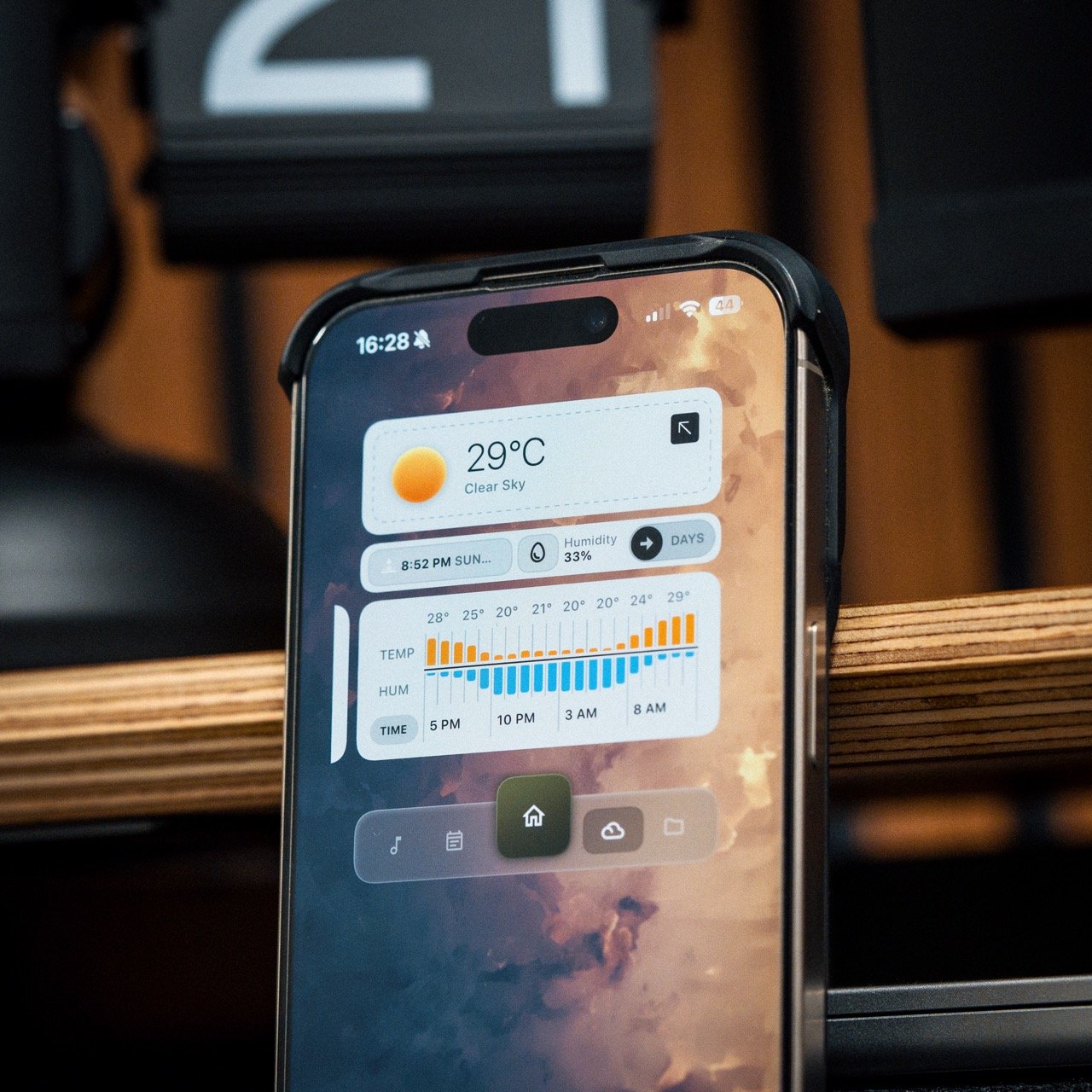 Image 10 of 11
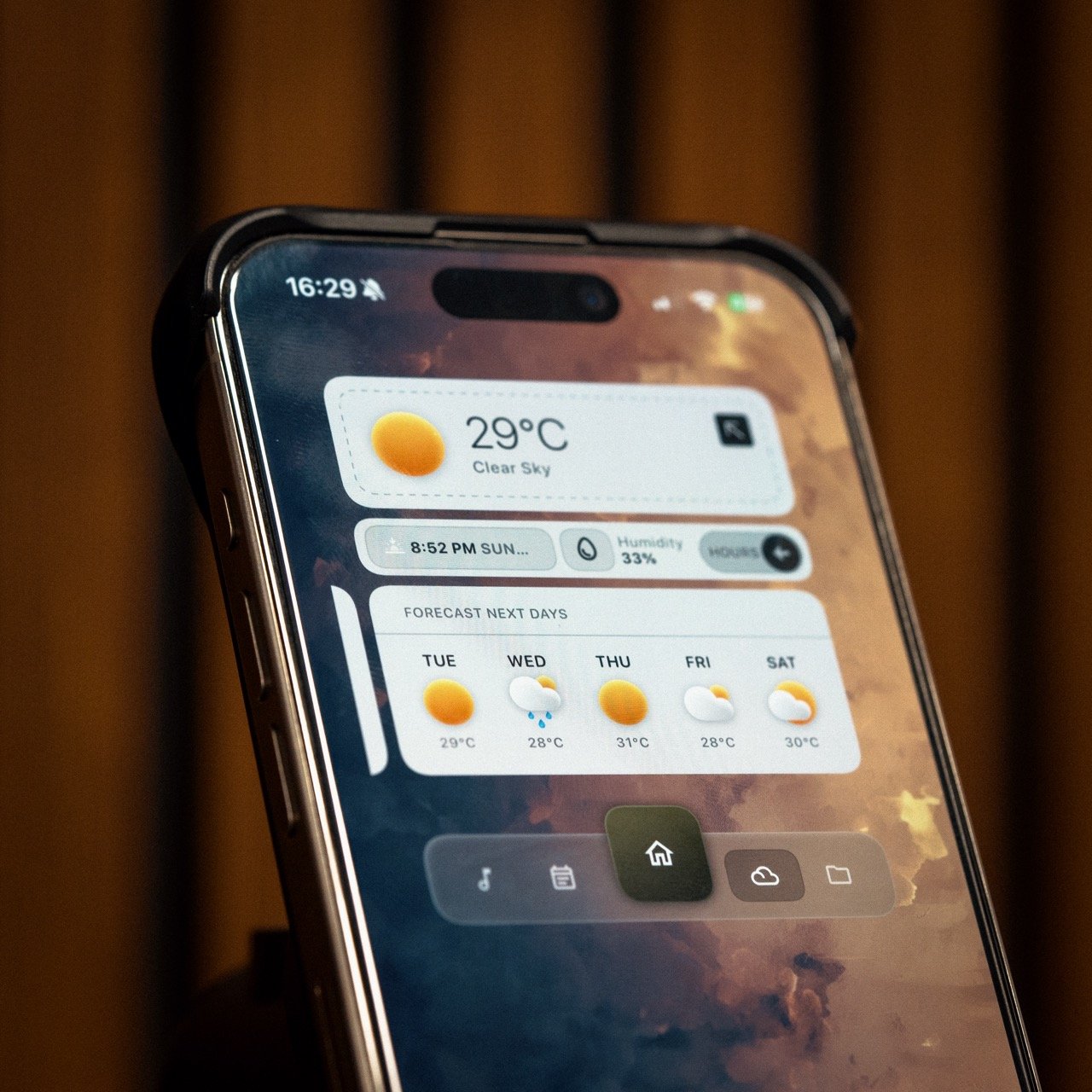 Image 11 of 11